
SaaS Integration Strategy: Best Practices for Connecting Your Cloud Stack

• 14 min
I'm a content specialist at Fively keen on writing fresh articles that can help out business and tech specialists. I love to conduct research, hold interviews, and spotlight sophisticated tech issues.
A complete guide to SaaS integration strategy: learn how SaaS integration works, its key benefits and challenges, and best practices for connecting your cloud stack.
Modern businesses run on dozens of cloud tools, yet most of them don’t talk to each other out of the box. A deliberate guide to SaaS integration strategy turns that fragmented collection of apps into a coordinated system where data flows automatically and teams stop copying information by hand. This guide breaks down what integration software as a service really means, the benefits and challenges you’ll face, the main approaches you can choose from, and a practical framework for building an integration plan that actually scales.
What Is SaaS Integration and Why Do You Need a Strategy?
SaaS integration is the process of connecting two or more software-as-a-service applications so they can exchange data and trigger actions in one another automatically.
Instead of treating your CRM, billing platform, help desk, and marketing automation tool as isolated islands, integration creates a continuous data flow between them — usually through APIs, connectors, or an integration platform.
The reason you need a strategy rather than ad-hoc point connections is simple: complexity compounds. Wiring two apps together is trivial. Connecting twelve, each with its own authentication scheme, data model, rate limits, and update cadence, becomes a maintenance nightmare without a plan. As the number of SaaS API tools in the average company climbs past 100, unmanaged integrations create data silos, duplicate records, and brittle workflows that snap the moment a vendor changes its API.
A sound strategy answers the hard questions up front. Which systems are the source of truth? Who owns each integration? Do you build custom code, buy an iPaaS platform, or use a unified API? How do you handle security, scalability, and the inevitable maintenance burden? Treating system integration as architecture — rather than a series of quick fixes — is what separates a stack that grows gracefully from one that collapses under its own weight. Cloud computing and the proliferation of enterprise software have made integration a core competency rather than a nice-to-have, and the companies that get it right move faster than those still wrestling with manual data entry.
 Services Account
Key Benefits of SaaS Integration
When you connect your SaaS applications thoughtfully, the payoff shows up across nearly every part of the business. Here are the benefits of SaaS integration that matter most.
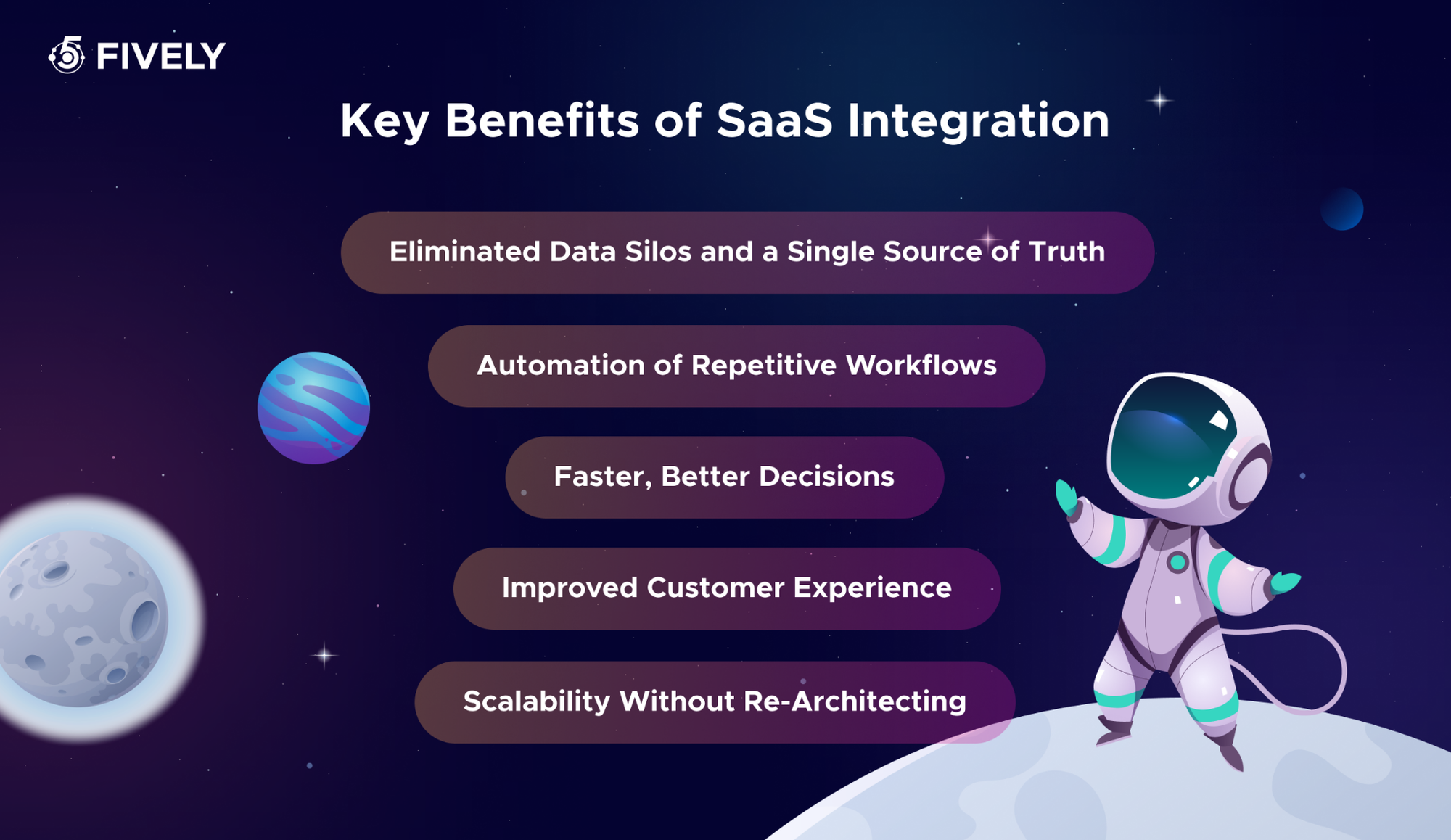
Eliminated Data Silos and a Single Source of Truth
When your CRM, ERP systems, and finance tools share data automatically, everyone works from the same numbers. Integration breaks down the data silos that form when each department keeps its own copy of customer or transaction data, cutting errors and the costly disputes that arise from conflicting records.
Automation of Repetitive Workflows
The most immediate win is automation. Tasks like copying a new lead from a form into your CRM, or syncing an invoice from your billing tool to your accounting software, happen without anyone lifting a finger. This frees employees from low-value busywork and lets them focus on judgment-driven work that the technology can’t replicate.
Faster, Better Decisions
When data flows in near real time across connected SaaS apps, dashboards and reports reflect reality instead of last week’s snapshot. Leaders see accurate revenue, pipeline, and support metrics in one place, so decisions rest on a complete picture rather than fragmented exports.
Improved Customer Experience
Integrated systems give support and sales teams full context—purchase history, open tickets, and communication logs—without switching tabs. Customers feel known, responses are faster, and the seamless integration of front-office and back-office tools translates directly into higher satisfaction and retention.
Scalability Without Re-Architecting
A well-designed integration layer lets you add new SaaS products as you grow without rebuilding everything. Whether you’re onboarding a new team tool or expanding into e-commerce, a flexible integration platform absorbs the change and supports growth instead of becoming a bottleneck. This is one of the SaaS integration benefits that compounds over time as your tool count rises.
 Services Account
Key SaaS Integration Challenges and Risks
For all its upside, integration is genuinely hard. Understanding the common challenges of effective SaaS application integration before you start saves you from expensive surprises later.
API Inconsistency and Limitations
Every SaaS vendor designs its API differently. Some offer rich, well-documented REST endpoints; others expose limited functionality, enforce aggressive rate limits, or lack webhooks for real-time events. When you integrate SaaS applications, you’re at the mercy of whatever each provider chose to surface, and a missing endpoint can force awkward workarounds. Worse, vendors deprecate and change APIs regularly, which means an integration that works today may quietly break next quarter, demanding ongoing API management to keep data flowing.
Data Mapping and Quality
Different applications model the same concept in incompatible ways. One tool stores a full name in a single field while another splits first and last; date formats, currencies, and status values rarely line up. Mapping these fields correctly—and transforming the data so it makes sense on both sides—is painstaking work. Get it wrong and you propagate bad data across every connected system, and cleaning up corrupted records after the fact is far harder than preventing the mess in the first place.
Security and Compliance Exposure
Every integration is a new doorway into your data. Each connection requires credentials, tokens, or API keys that, if mishandled, become an attack vector. Sensitive customer information moving between systems must be encrypted and access-controlled, and regulations like GDPR or HIPAA add compliance obligations. The more SaaS tools you connect, the larger your attack surface grows—which is why security can’t be an afterthought bolted on at the end of an integration project.
Maintenance Burden and Technical Debt
Integrations are never “done.” APIs evolve, business requirements shift, and edge cases surface in production. Custom integration work in particular demands significant technical expertise to monitor, debug, and update. Without dedicated ownership, integrations rot silently until a workflow stops working and someone scrambles to figure out why. This ongoing maintenance effort is the single most underestimated cost of integration software.
Connecting Legacy Systems
Many organizations still rely on legacy systems and on-premise software that predate the API era. Bridging the gap between a modern SaaS application and a decades-old ERP or proprietary database adds enormous complexity—sometimes requiring custom middleware, file-based exchanges, or specialized connectors. These legacy bridges are often the most fragile and expensive part of any integration architecture, and they’re a key reason the broader challenges of SaaS adoption persist in larger enterprises.
SaaS Integration Strategy: A Comparative Analysis of Approaches
There is no single “right” way to integrate. The best approach depends on your scale, budget, in-house expertise, and whether the integration is for internal use or a feature of your product. Here are the four dominant models and how SaaS integration works in each.
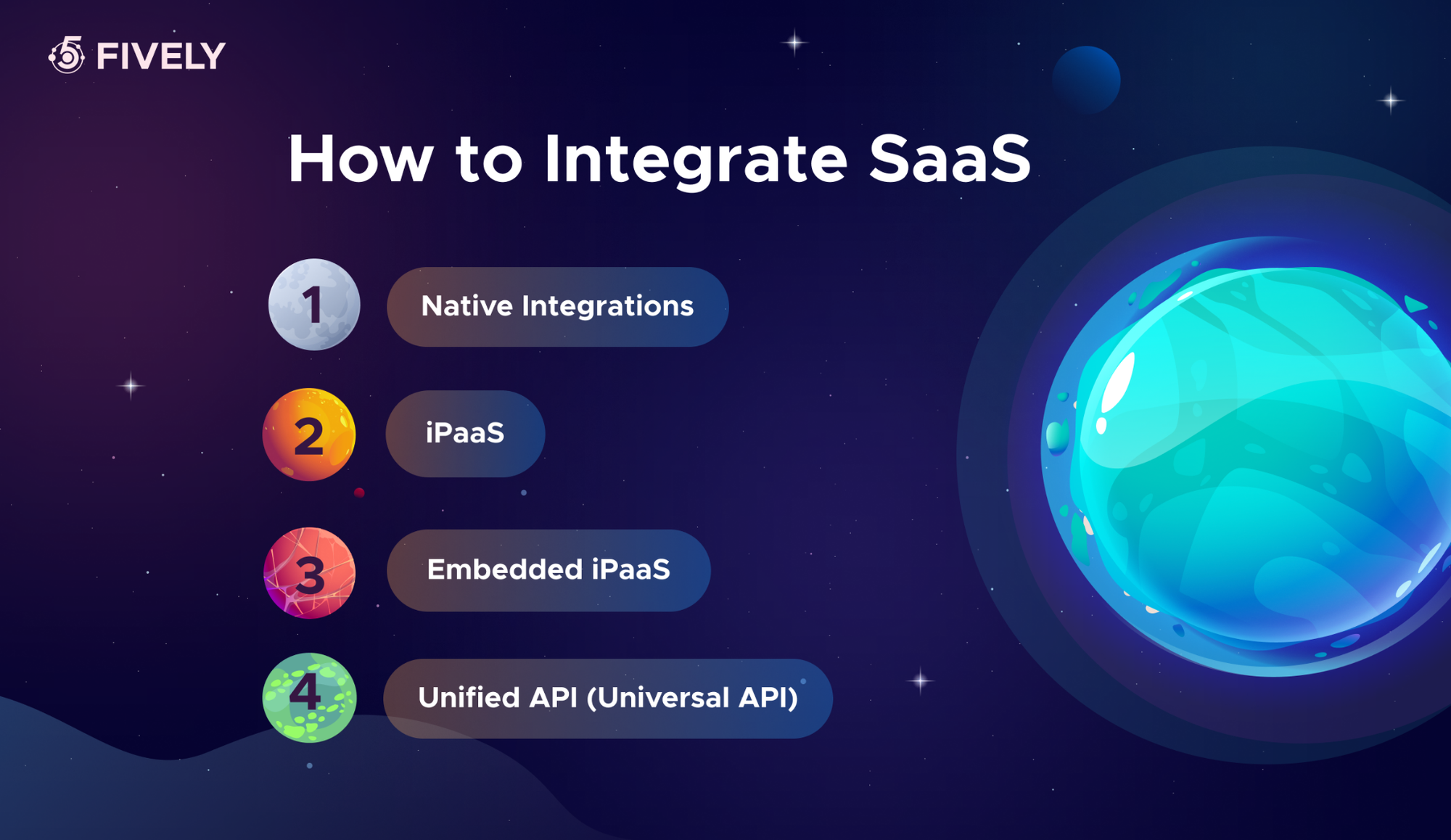
Native Integrations
Native integrations are pre-built connections offered directly by the SaaS vendors themselves — think of the official Salesforce-to-Slack connector or HubSpot’s built-in link to your email platform. They’re typically the fastest to switch on and require little to no technical work, since the vendor maintains them. The trade-off is limited flexibility: you get exactly the data flow and configuration the vendor decided to support, nothing more. Native integrations work beautifully when a ready-made connector matches your needs precisely, but they leave you stuck the moment your integration requirements step outside the predefined path.
iPaaS
Integration Platform as a Service (iPaaS) is cloud-based middleware that sits between your applications and orchestrates data flow through a central hub. iPaaS platforms like Mulesoft, Boomi, and Celigo offer hundreds of pre-built connectors plus visual workflow builders, so teams can design multi-step automations without writing much code. iPaaS shines when you need to integrate many SaaS applications with complex logic, transformations, and conditional routing. It centralizes monitoring and maintenance, but it carries a meaningful subscription cost and a learning curve, and it’s primarily geared toward internal application integration rather than customer-facing features.
Embedded iPaaS
Embedded iPaaS takes the iPaaS model and packages it so you can embed integration capabilities inside your own SaaS product. Tools like Workato, Tray, Paragon, and Prismatic let your customers connect their systems to your service through a native-feeling in-app experience. This is the go-to approach for product teams who want to offer integrations as a feature without building and maintaining each connector from scratch. The cost is higher than internal-only tooling, but it dramatically accelerates time to market for a product-led integration roadmap.
Unified API (Universal API)
A unified API abstracts an entire category of software—say, all CRMs or all HR systems—behind a single, normalized API. Providers like Merge, Finch, and Apideck handle the underlying differences between, for example, Salesforce, HubSpot, and Pipedrive, so you write code against one interface and instantly support dozens of integrations. This is exceptionally powerful for B2B SaaS companies that need broad coverage of a category quickly. The limitation is depth: a unified API exposes the common denominator across providers, so deeply specialized or unusual features of any single tool may not be available.
Step-by-Step Framework for Building a Winning Strategy
Most integration advice jumps straight to tools. We’re going to start with three diagnostic questions that determine which approach actually fits your situation. Answer them honestly, then read your profile from the decision map below.
Question 1: How many systems do you plan to integrate?
This sizes the load on your team.
- Option A (1–3 systems): You have a focused, point-to-point need—linking your CRM to an email tool, for example.
- Option B (4–10 systems): You’re building an ecosystem for a department like sales or marketing.
- Option C (10+ systems, or unbounded growth): You’re building a platform that must scale without re-architecting.
Question 2: Who will use the integration?
This is the great divider between internal efficiency and external product value.
- Option X (Internal use only): The integration serves your own teams—finance, HR, sales—so they stop wasting time on routine work.
- Option Y (For your customers): The integration is a feature of your SaaS product. Customers connect their own systems to your service.
Question 3: How standard is your counterparties’ stack?
This is critical for B2B companies.
- Option 1 (Standard): Your customers or departments use market leaders—Salesforce, HubSpot, QuickBooks, Slack, Zendesk.
- Option 2 (Niche or custom): You deal with old ERP systems, government portals, or proprietary software with no ready-made connectors.
Decision Map: Find Your Profile
Now match your combination of answers to a recommended integration solution.
The value of this framework is that it forces the foundational decisions—scale, audience, and stack standardization—before you commit to a vendor or write a line of code. Once you know your profile, the rest of the strategy (selecting the right integration platform, defining data ownership, and budgeting for maintenance) follows naturally and your integration needs become far easier to scope.
SaaS Integration Best Practices by Fively
Whatever approach you choose, these SaaS integration best practices keep your project on track and your data clean.
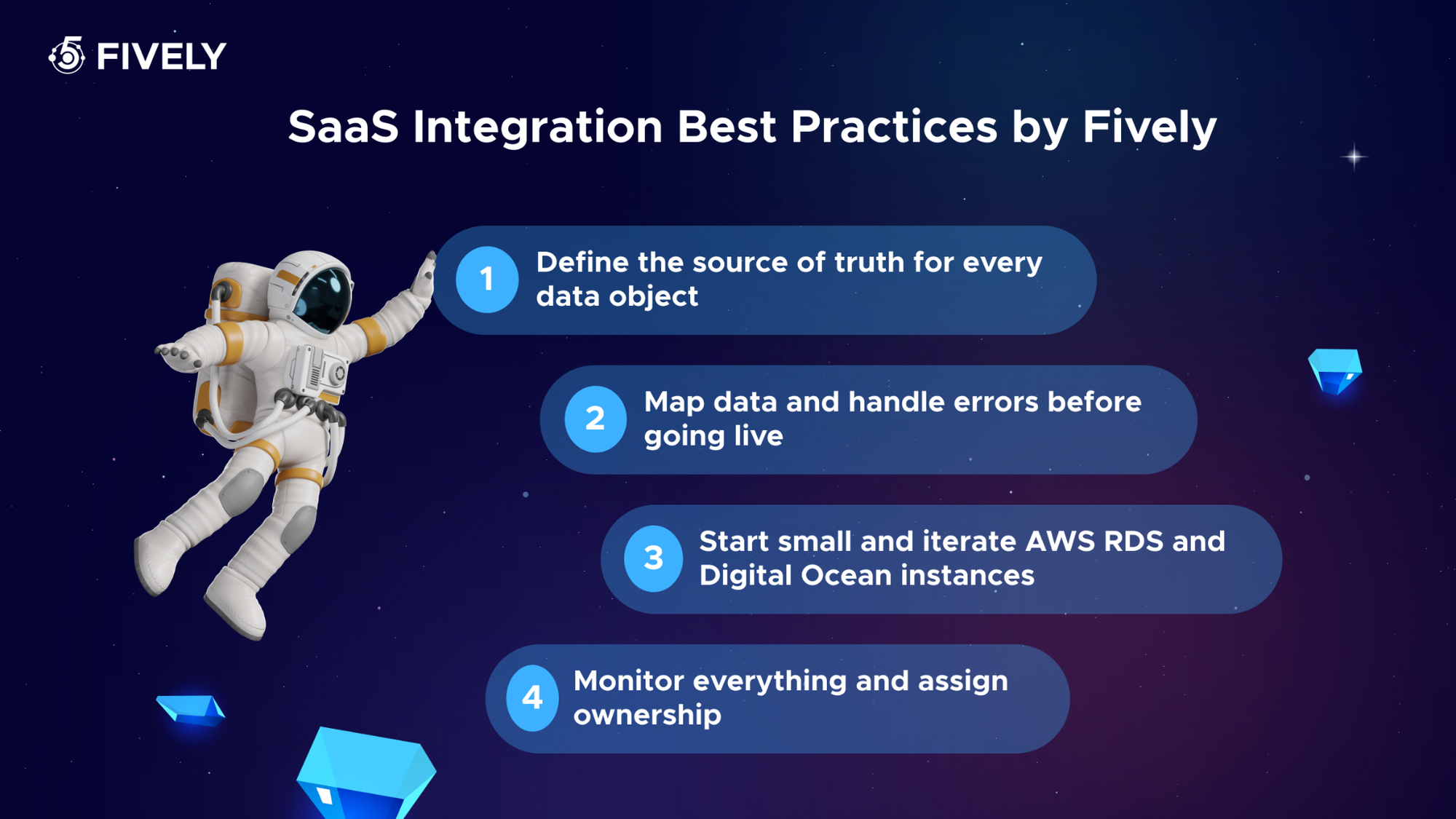
- Define the source of truth for every data object. Before connecting anything, decide which system owns customer records, which owns invoices, and so on. This single decision prevents most data conflicts and sync loops down the line.
- Map data and handle errors before going live. Document exactly how fields translate between systems, and build explicit handling for failures, retries, and rate limits. Integrations that assume the happy path always works are the first to break in production.
- Start small and iterate. Launch one high-value workflow, prove it works, and expand from there. A phased rollout surfaces problems while they’re cheap to fix and builds organizational confidence before you scale to the full ecosystem of multiple SaaS applications.
- Monitor everything and assign ownership. Set up alerting on sync failures and data anomalies, and make sure a specific person or team owns each integration. Unmonitored, unowned integrations are technical debt waiting to surprise you.
Security as a Core Part of Your SaaS Integration Strategy
Because every connection expands your attack surface, security must be designed in from day one — not patched on later. Treat your integration layer with the same rigor you apply to any other production system.
- Non-Human Identities (NHI): Integrations authenticate using API keys, tokens, and service accounts rather than human logins. These non-human identities are easy to over-provision and forget about, yet they often hold powerful access. Inventory every NHI, rotate credentials regularly, and decommission those tied to integrations you’ve retired—orphaned tokens are a favorite target for attackers.
- Zero Trust and Least Privilege: Grant each integration only the exact scopes it needs and nothing more. A connector that only reads contact data should never have write access to billing. Applying least-privilege and zero-trust principles to your connections limits the blast radius if any single credential is ever compromised.
- Data in transit and at rest: Ensure all data exchanged between SaaS applications is encrypted in transit (TLS) and that any data your integration stores or caches is encrypted at rest. This protects sensitive information at every point in the data flow, even if an intermediary is breached.
- Audit Logging and Monitoring: Keep detailed logs of what each integration accessed, when, and what it changed. Continuous monitoring lets you detect anomalous behavior—an integration suddenly pulling far more data than usual, for instance—and provides the audit trail you’ll need for compliance and incident response.
Popular SaaS Integration Use Cases and Examples
To make this concrete, here are common SaaS integration use cases that organizations implement first.
- CRM and marketing automation. Syncing Salesforce or HubSpot with your marketing platform means leads captured by a campaign flow straight into the sales pipeline, and engagement data flows back to inform scoring—no manual exports, no stale lists.
- E-commerce and accounting. Connecting an online store to accounting software like QuickBooks automatically records each order, payment, and refund. Finance teams get reconciled books without rekeying transactions, and inventory stays accurate across channels.
- Support and communication tools. Integrating a help desk such as Zendesk with Slack notifies the right team instantly when a high-priority ticket arrives, and pushes resolution updates back, keeping support and engineering aligned in real time.
- HR and payroll systems. When a new hire is added in your HR platform, integration can automatically provision accounts in other SaaS tools and feed the payroll system, eliminating onboarding delays and reducing errors in sensitive employee data.
- Payment processing and CRM. Linking Stripe or PayPal to your CRM updates a customer’s record the instant a purchase or subscription change occurs, so sales and support always see current account status without confusion or outdated records.
Future Trends in SaaS Integration
The integration landscape is moving fast, and a few trends are reshaping how businesses connect their software. The future of SaaS integration looks less like manual plumbing and more like intelligent, autonomous orchestration.
- AI-assisted integration building. Artificial intelligence and machine learning are increasingly used to suggest field mappings, auto-generate connectors, and even diagnose broken integrations before they cause damage. Work that once took weeks of manual configuration is starting to take hours as AI handles the tedious mapping.
- The shift toward unified APIs and abstraction. As the number of SaaS products explodes, developers are gravitating toward abstraction layers that let them support entire categories through one interface. Expect unified API coverage to deepen and broaden, lowering the barrier to offering rich integration catalogs.
- Real-time, event-driven data flow. Batch syncing on a schedule is giving way to event-driven architectures where changes propagate instantly via webhooks and streaming. Businesses increasingly expect their systems to reflect reality in seconds, not hours.
- Agentic AI as an integration consumer. Here’s an emerging shift worth watching: AI agents are becoming first-class users of your APIs. Rather than a human clicking through a workflow, autonomous agents will read from and write to your connected SaaS tools to complete tasks on their own. This raises new questions about how you authenticate, scope, and audit machine actors—and it means the integration layer you build today is increasingly the substrate on which tomorrow’s AI automation will run.
 Services Account
Need Help With A Project?
Drop us a line, let’s arrange a discussion
Frequently Asked Questions
The answer depends on the category of integration software you’re evaluating. Some of the vendors you’ll likely encounter for each type include: iPaaS: Mulesoft, Boomi, Celigo, and Informatica); Embedded iPaaS: Workato, Tray, Paragon, and Prismatic; RPA software: UiPath, Automation Anywhere, and Blue Prism; Unified API solutions: Merge, Finch, and Apideck The right SaaS integration platform is the one that matches your scale, your audience, and how standardized the systems you need to connect actually are.
A classic example is connecting your CRM (such as Salesforce) with marketing tools like HubSpot and payment processors like Stripe or PayPal. The instant a customer buys something, their record refreshes across every connected system on its own — no manual entry, no stale data, and no debate over which version is correct.
Start by quantifying the cost side: subscription or build costs, plus the ongoing maintenance effort and technical expertise required. Then estimate the returns — hours of manual work eliminated (multiplied by loaded labor cost), errors avoided, faster deal cycles, and improved retention from a better customer experience. For product-facing integrations, also factor in revenue from deals you can now close because the integration exists. A useful rule of thumb: if an integration saves more in labor and unlocks more in revenue than its total cost of ownership within 6–12 months, it’s clearly worth it.
If you need just one or two integrations and have spare engineering capacity, building in-house can be fine. But the moment your customers start asking for connections to many different SaaS products, building and maintaining each one yourself becomes a full-time burden that pulls engineers off your core product. For most startups offering customer-facing integrations across a category, a unified API or embedded iPaaS delivers broad coverage far faster and with predictable maintenance — letting you focus on what makes your product unique.
It varies widely by approach. A native or pre-built connector can be live in hours. A single straightforward integration through an iPaaS or unified API typically takes days to a couple of weeks, including testing and data mapping. A fully custom integration with a complex legacy system or non-standard API can take one to three months or more, especially once you account for error handling, security review, and production monitoring. The honest answer is to budget more time for testing and edge cases than for the initial build itself — that’s where most integration projects overrun.


